

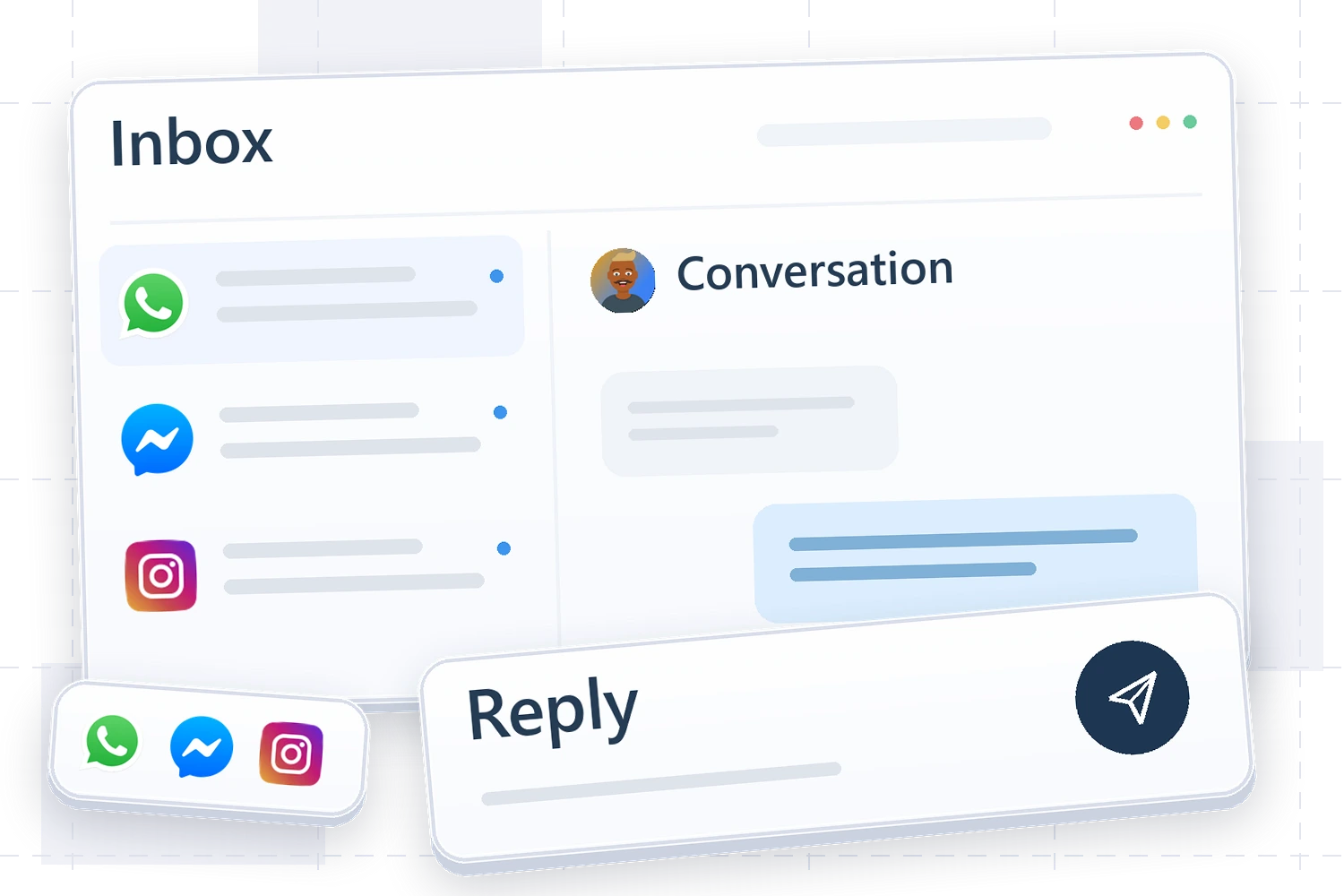
Start with a channel you already use
Choose a channel that receives regular sales enquiries and connect it through an available method in the channels screen. Check account eligibility, permissions and provider policies. Send a test message from an account you control, reply and try an allowed attachment. A successful provider login does not prove the full messaging cycle works.
Decide who owns the conversation
Agree who is responsible and when a team member takes over. If the agent is active, test an explicit request for a human and check that the team can continue with the necessary context. Review roles so each person sees only the conversations and actions allowed for their work.
Turn a question into a next step
When someone asks for a price or delivery date, record what needs checking and what happens next, rather than simply marking the conversation as read. For a quantity-based quote, assign someone to collect the requirements, record the opportunity and follow up.
Expand after the process works
Add the next channel once the team can receive, reply, hand off and follow up on the first. Channels have different limits and policies. An identity on one channel does not automatically prove it belongs to a customer on another; use reliable matching information.